For the past two and a half years I've been the senior UI developer on FIDx's Insurance Overlay (IO), the platform financial advisors use to research, propose, and purchase annuities inside the tools they already work in. It's a large, form-heavy application, it's live to hundreds of advisors, and it never gets to close for maintenance.
It's also built on Angular, one of the major modern frameworks for building web applications. Angular has a habit that is both a blessing and a headache: it releases a major new version roughly every six months.
Think of a framework as the foundation, plumbing, and wiring of a building. You never see it, but everything you do see sits on top of it. When the framework releases a new version, it's as if the building code changed: some things that were fine last year are no longer allowed, some new materials are required, and a few walls need to move.
Now imagine doing that renovation while the building stays open, with hundreds of people working inside it every day. That's a framework upgrade on an enterprise application.
Ignoring these updates isn't an option; if we fall too far behind, the platform becomes vulnerable to security risks and incompatible with modern web standards. Keeping pace ensures the application remains secure and performant, while preventing an inevitable future upgrade from becoming a massive, costly overhaul.
Since I joined IO we've moved from Angular version 18 to 19, then 20, then 21, and we're preparing for 22 now. Each one has been bigger than the last, partly because the app keeps growing, and partly because Angular itself is going through a generational shift in how it works under the hood (more on that below). What used to be a day or two of work has become weeks of careful, methodical change.
There's a second layer, too. Like most enterprise apps, IO doesn't build every button, dropdown, and data table from scratch. We use a library of pre-built, accessible UI components called PrimeNG. PrimeNG has to stay in lockstep with Angular: when Angular moves, PrimeNG moves, and we have to move with both. Over the last few releases PrimeNG overhauled its entire theming system and renamed or retired dozens of components. On top of that, the company behind it has been shifting toward a commercial model under the PrimeUI banner, which changes how we license, plan, and budget for the library. Two moving targets, tightly coupled, both mandatory.
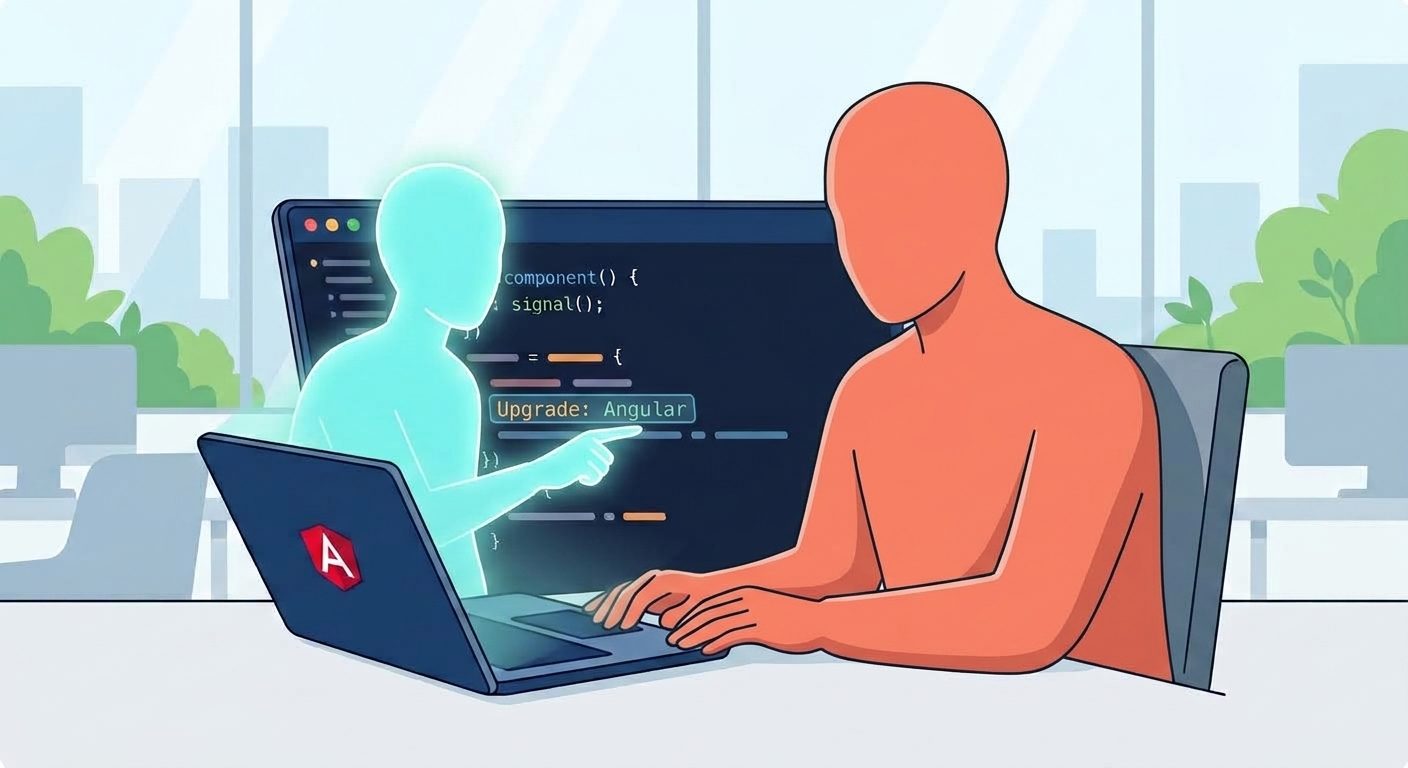
We embraced AI on this project early. At first it was ChatGPT in a browser tab: paste in a chunk of code, ask a question, paste the answer back. Helpful, but the AI could only see whatever I remembered to show it. It was like asking a brilliant consultant for advice over the phone when they've never set foot in the building.
Late last year we moved to GitHub Copilot inside VS Code, our code editor, running on the latest Opus reasoning models (and, for the most complex planning work, the Fable models, with the investment supported by FIDx). That changed everything, for one simple reason: the AI can now see the whole building. It reads our codebase, runs our build, checks our code-quality rules, and reads our team's own documentation. Instead of a phone call, we have a colleague sitting next to us.
Three things have made that colleague genuinely effective.
With that foundation in place, a major Angular and PrimeNG upgrade is a very different experience.
The AI reads the release notes and migration guides alongside our codebase and produces a plan: what will break, where, and in what order to fix it. It runs the official automated migration tools where they help and, just as importantly, tells us honestly when they don't. It sweeps the codebase for renamed PrimeNG components and retired APIs, updates them, and explains why each change matters. After every change it runs our build and code-quality checks as a gate, and fixes what fails before moving on.
Upgrades haven't become effortless - the change is still significant. What changed is that the mechanical part, the hundreds of small, tedious, easy-to-get-wrong edits, is now fast and consistent. That frees me to spend my time on the judgment part: testing the flows advisors actually use, catching subtle behavior changes, and deciding how to sequence risk. Fewer bugs reach QA, and the ones that do are more interesting.
Right now, before we touch v22, we're doing something even bigger than an upgrade. We're modernizing how the app thinks about change.
Here's the plain-language version: historically, Angular kept the screen up to date by periodically re-checking everything, a bit like a restaurant manager walking past every table every few minutes asking "anything change?" It works, but it's wasteful, and on big apps it gets slow. The modern approach uses something called signals: each piece of data knows exactly which parts of the screen depend on it and tells them when it changes. It's like a spreadsheet, where editing one cell instantly recalculates only the formulas that reference it. It's faster, more predictable, and it's clearly where Angular is heading, so we want to arrive at v22 already speaking its language.
For an app of our size (133 components and 120 view models) that's a huge undertaking, and this is where the advanced reasoning models have earned their keep. A few moments from the past couple of weeks that stuck with me:
At Nimbl we talk a lot about Technology, Humanized: making tech more accessible, more friendly, more human. I'll admit that "AI-assisted framework upgrades" doesn't sound like the most humanistic topic in the world.
But here's what it has actually felt like from the inside:
The work got more human, not less. The parts of my job that were most draining, the repetitive, error-prone, "did I miss one?" edits, are now shared with a tireless collaborator. The parts that require experience, taste, and judgment are still mine, and I have more energy for them.
The work got more accessible to the rest of the team. Because the AI writes clear explanations, keeps our documentation current in Confluence, and translates technical change into plain language, teammates who aren't front-end specialists can follow along, review with confidence, and contribute.
And the relationship works the way good working relationships do: with clear expectations (our instruction files), honest communication (it tells me what it doesn't know), and trust earned through verification. Every change still goes through our build, our human reviews, and real hands-on testing before it ships, and we're adding an automated test suite so that safety net grows with us.
At the end of the day, AI didn't automate away the engineering on Insurance Overlays. It absorbed the repetitive maintenance churn so I could spend my time where it actually counts: building stable, performant tools that advisors can rely on.
%20(1).jpeg)